Icon pipeline (available) + design canvas (in development)
Local processing by default, no personal data upload
View Privacy Policy →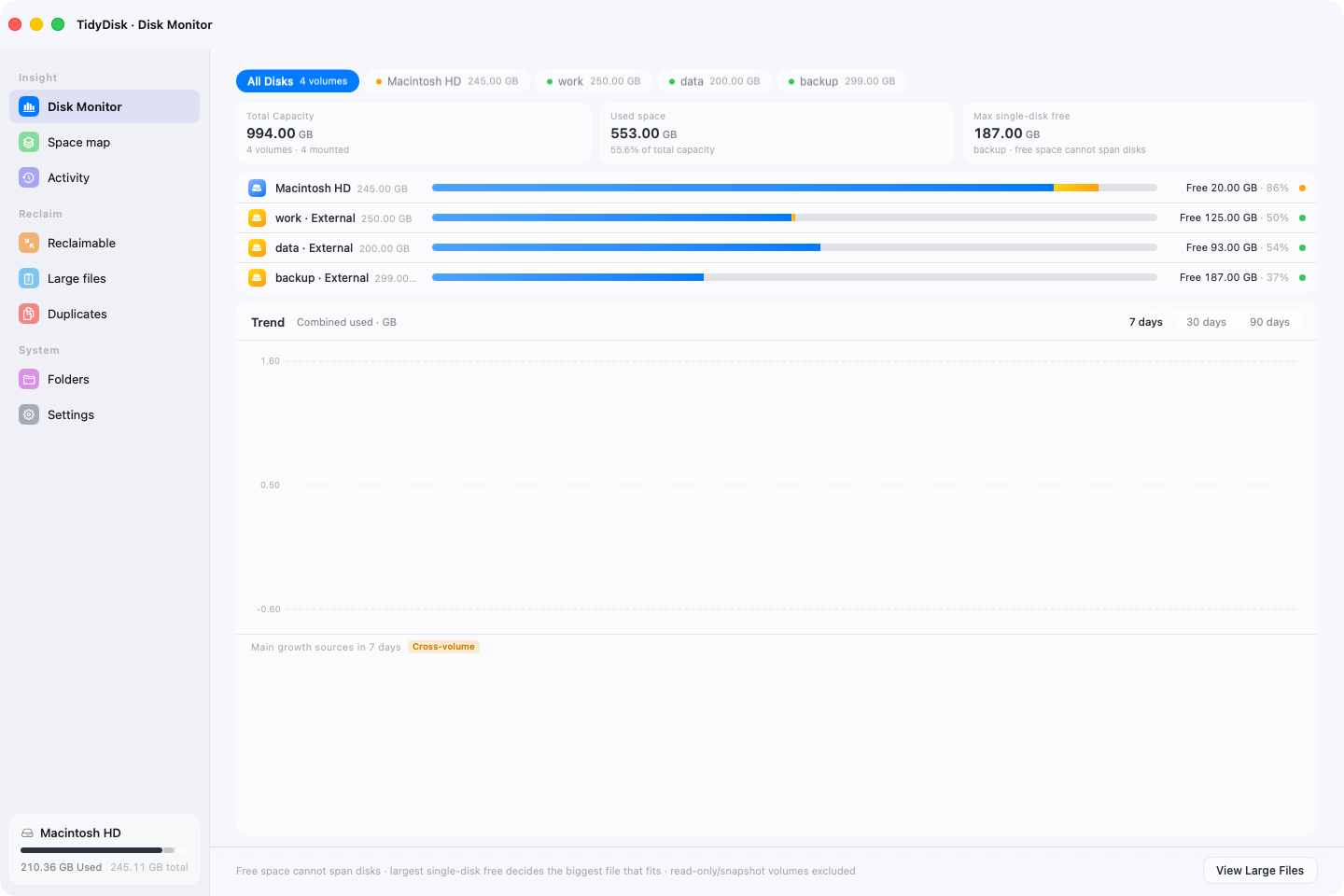
Shows real available space, purgeable space, and trends without extra permissions. Menu bar resident with threshold-based color alerts.
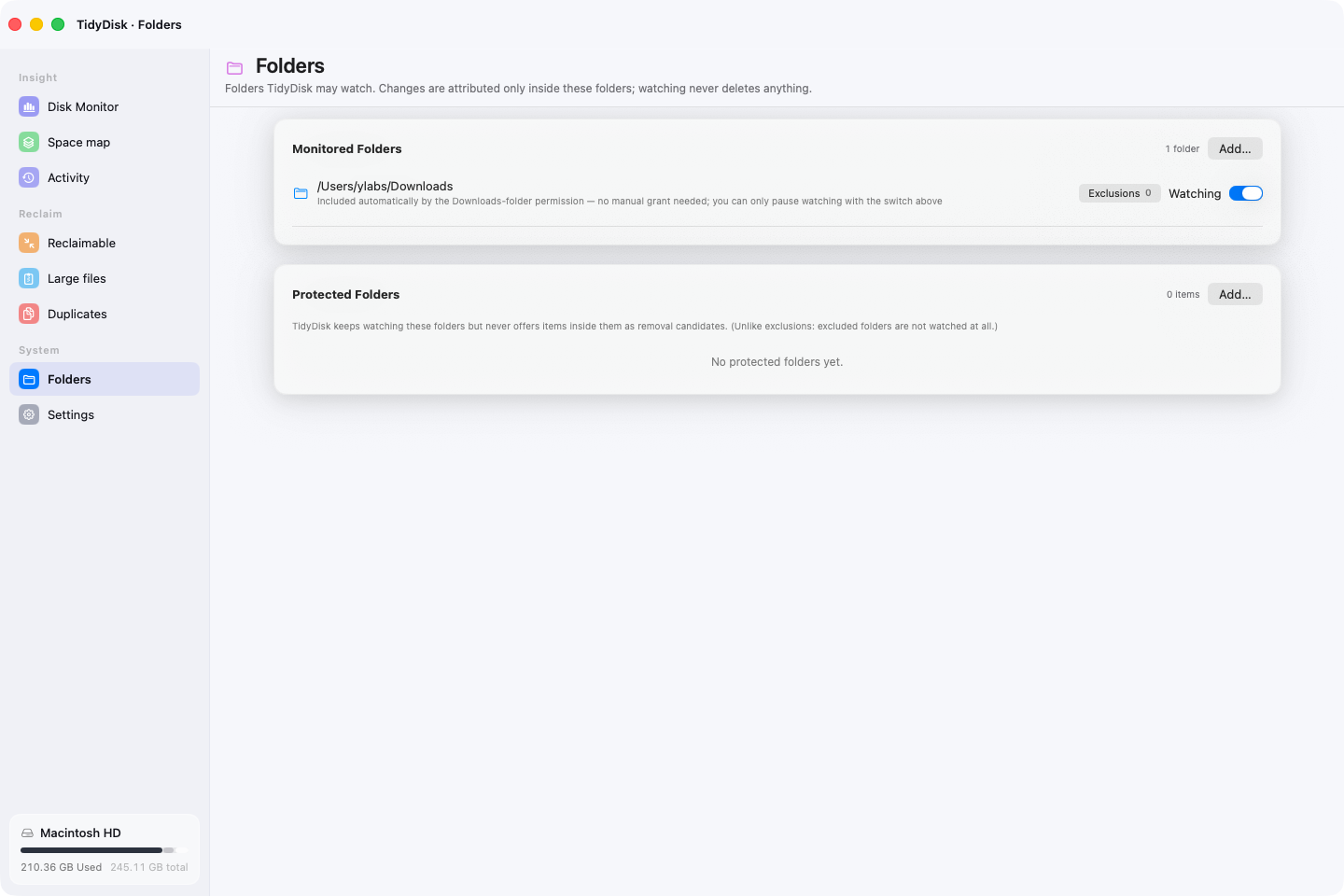
Tracks filesystem changes via FSEvents in real-time, attributing growth to specific directories and files. Event positions persisted, survives reboots.
Recursive scanning, Treemap visualization, large file location, duplicate detection (two-phase SHA-256), similar image detection.
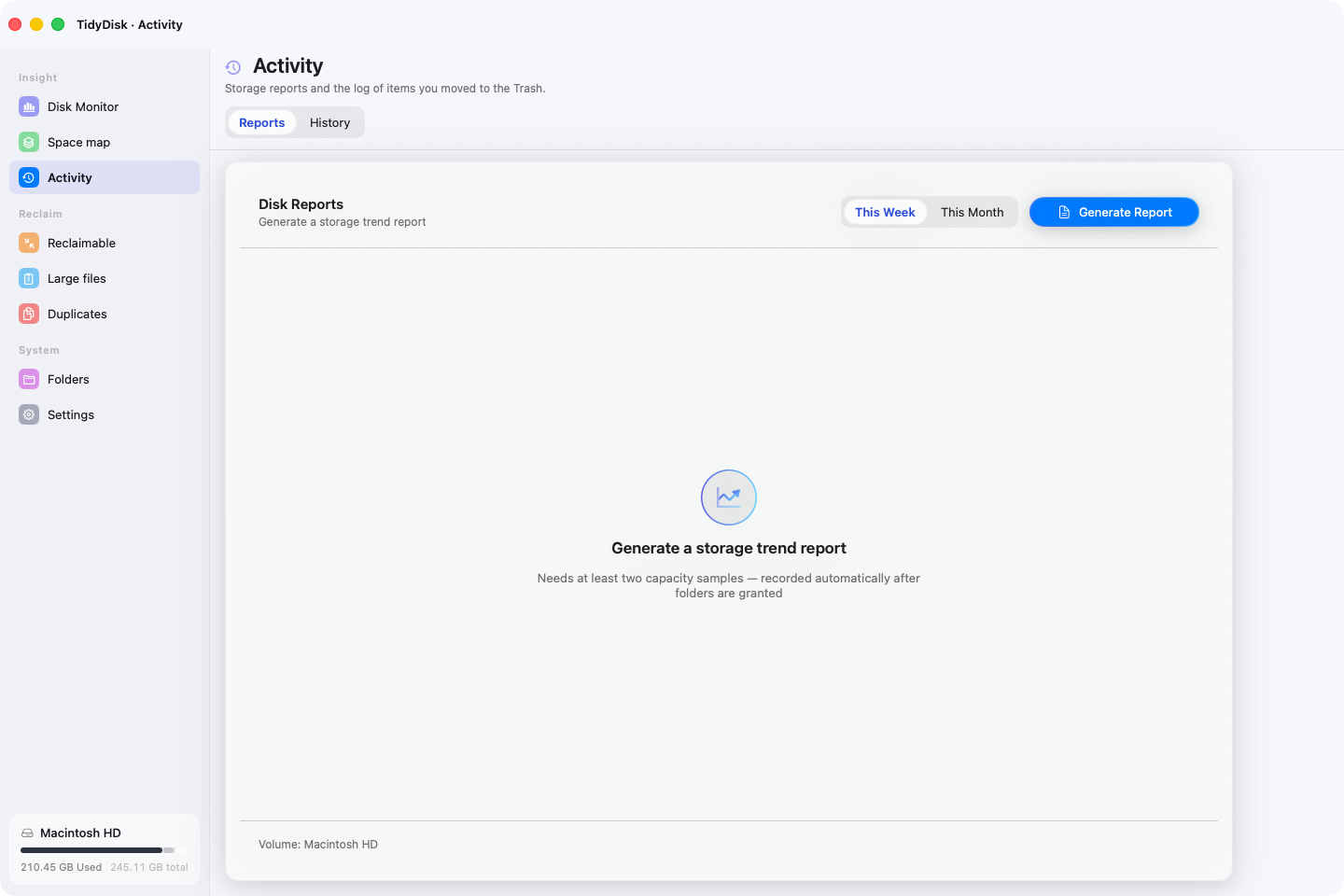
TidyDisk does not "one-click clean" or "accelerate system". We only provide insight and attribution. Deletion decisions are yours.
App entitlements contain no network.client/network.server. All analysis happens locally.
Relies on user-authorized directories + coverage reconciliation to honestly show unauthorized region proportions. Won't request Full Disk Access.
Local storage by default, no personal data uploaded. Cross-device sync requires your explicit opt-in and can be turned off at any time.
| System | macOS 14 or later |
|---|---|
| Chip | Apple Silicon or Intel |
| Size | ~15 MB |
Simplified Chinese, Traditional Chinese, English, German, Spanish, French, Italian, Japanese, Korean, Dutch, Polish, Brazilian Portuguese, Swedish
No. TidyDisk only provides insight and reports. If you choose to delete, files go to Trash first and can be undone.
All analysis happens on-device, no servers needed. Check the entitlements file to verify.
Free version shows 7-day history and basic analysis. Pro unlocks full history, report export, Widget, and custom alert thresholds.
No. All data is stored in a local SQLite database, not uploaded to any cloud.
Delete the app from Launchpad, no residue. Your scan history will be deleted with the app.